
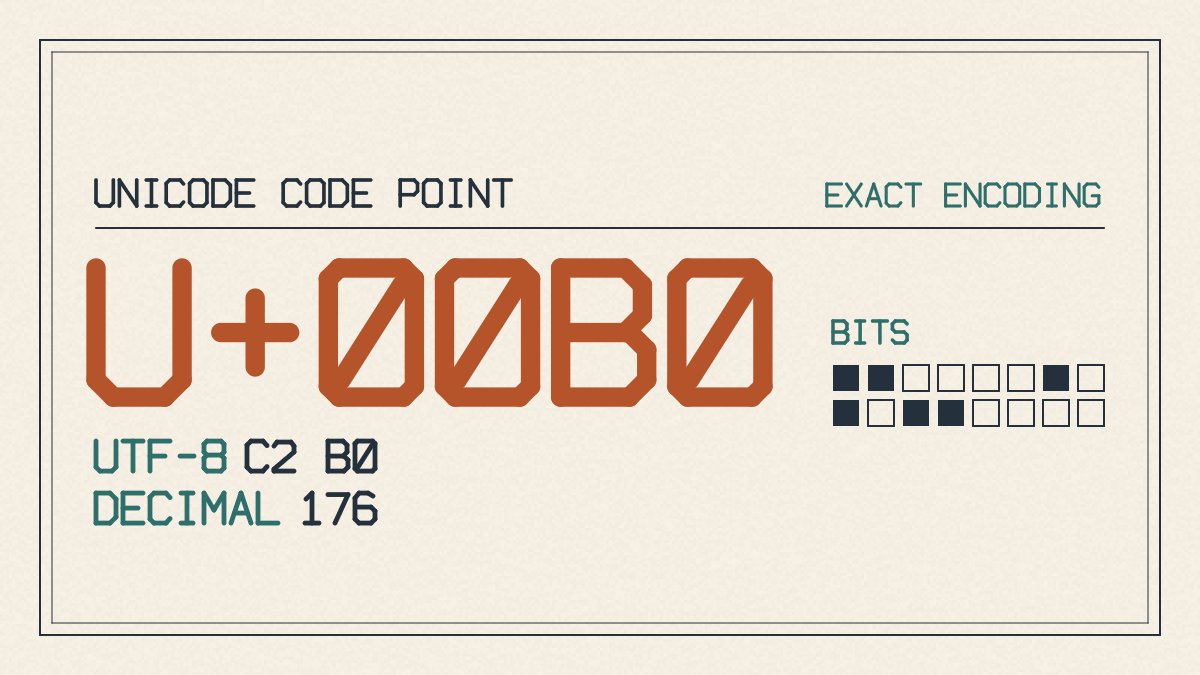
For degree symbol copy paste, the correct degree sign is °, the Unicode U+00B0 DEGREE SIGN. A ready-to-paste example of an angle with a degree symbol is 45°; an example of a temperature with the degree symbol is 25 °C.
Spacing for Angles and Temperatures
There are differences in spacing between angles and SI-style scientific temperatures (a.k.a., Celsius). The convention is to write a space between the number and the unit letter, but none between the degree sign and the unit letter: 25 °C. This convention is different from the publishing style that closes up expressions such as “10°C” or “85°F.”
A similar-looking character may appear in plain text, but its meaning will differ from what you expect. Avoid º (ordinal indicator), ˚ (ring above), ⁰ (superscript zero), and ∘ (U+2218 ring operator); choose ° for plain-text degrees. You should use a Unicode standard font when copy-pasting symbols such as the degree sign.
While a degree symbol followed by a capital C is commonly used as an abbreviation for Celsius, it is not the same as the separate ℃ Unicode character. Likewise, the combination of a degree sign and F, which is used as an abbreviation for Fahrenheit, is different from the Unicode ℉ character. In each case, there is a single Unicode code point that can be used instead of a two-character sequence. However, in this guide, I have kept the examples simple, showing them as two-character sequences rather than individual Unicode characters. When you copy and paste these examples, the result will be either one or two characters. If they are separated, then they will represent their own respective Unicode forms.
Degree Symbols in LaTeX
In addition, there’s another difference: while some LaTeX documents typeset degrees in the superscript composition-circle convention (^{\circ}), other LaTeX documents will simply use the literal °, either via direct input or using the \textdegree command. The main distinction here is that the LaTeX document defaults to UTF-8 input, so unless you’re editing the source file manually, you’ll usually be able to just type the literal °, and LaTeX will render it properly.
If you need to insert the symbol and copying isn’t convenient, Microsoft Word has a documented way to do so. It’s available on keyboards with a numeric keypad. Otherwise, you can use the Symbol dialog, provided your keyboard doesn’t have a numeric keypad.