
The most common issue with LaTeX quotes is that you’ll see backwards marks. The core of the problem lies in text-mode: opening and closing quotes are separate characters.
In English, for example, you can have either:
a single (English) quotation mark (`')
a double (English) quotation mark (``'')
which are typically represented as straight double quotes (“”). However, there’s another pair of double-quotes („“) that also exist, which are used in German. There’s an extra symbol called a right double quotation mark, or “”, which can be accessed by pressing shift+double quote.
But here’s the thing: these double-quotes aren’t directly used inside of LaTeX. That means that if I simply type "hello" then I will not get an opening and closing pair, but instead two right double quotation marks, because of how TeX processes that undirected character. Instead, we need to explicitly tell LaTeX what to do: either use ``…'' or `…'.
Basic LaTeX quote examples
You might think that this is unnecessary, but remember that you don’t always know how LaTeX will render a character. For example, in the following document fragment, I’ll place some standard LaTeX commands within a paragraph.
Let’s take US-style English as an example. Here’s the first example:
\begin{document}

The quick brown fox jumps over the lazy dog.

\end{document}
Now I’m going to enclose some text inside quotes:
\begin{document}

"The quick brown fox jumps over the lazy dog."

\end{document}
Nested quotation marks
But what if I want to nest them? In US style, the outer quotes are double quotes, while the inner ones are single quotes.
\begin{document}

``The quick brown fox jumps over the `lazy' dog."

\end{document}
In contrast, UK-style uses single quotes as the outer quotes, and double quotes as the inner quotes.
\begin{document}

`The quick brown fox jumps over the ``lazy'' dog.'

\end{document}
It’s easy enough to just swap those two. However, what about adjacent closing single and double quotation marks?
Fixing adjacent quote spacing
In this case, there’s a spacing fix: using a tiny thin space between the two.
\begin{document}

``Good morning." Good \,' morning.

\end{document}
The command
\begin{document}

\textquotedblleft

\end{document}
gives me a left double quotation mark; that’s the one I should be using inside my text. But wait: isn’t the LaTeX version the same as a straight quote? Let me try that again:
\begin{document}

``Hello''

\end{document}
That does work! Here’s what’s happening:
The LaTeX system actually treats that straight character as a right double quotation mark, which is why it is wrong on the opening side. If you want to avoid that confusion, you could always define some custom commands. But why not use something lightweight like dirtytalk? It lets you redefine the quote characters, which I can set to match the language I’m using.
Using the dirtytalk package
For ordinary prose, the package is dirt simple: simply include
\usepackage{dirtytalk}
within your preamble. Then you’ll be able to say
\say{...}
as part of your document. It’s a small package with just that one command, and it supports one nested level, which covers most simple situations. And for nested quotes, all you have to do is say
\say{... \say{nested} ...}
If you don’t care about multiple levels, then just use it. Otherwise, use csquotes.
When to use csquotes
When does it become worth adding csquotes, though? For inline, display, citation-connected, custom, and language-aware quotations, csquotes becomes worthwhile. Through babel or polyglossia, it can also adjust the marks to the current language. For anything less, just plain LaTeX suffices.
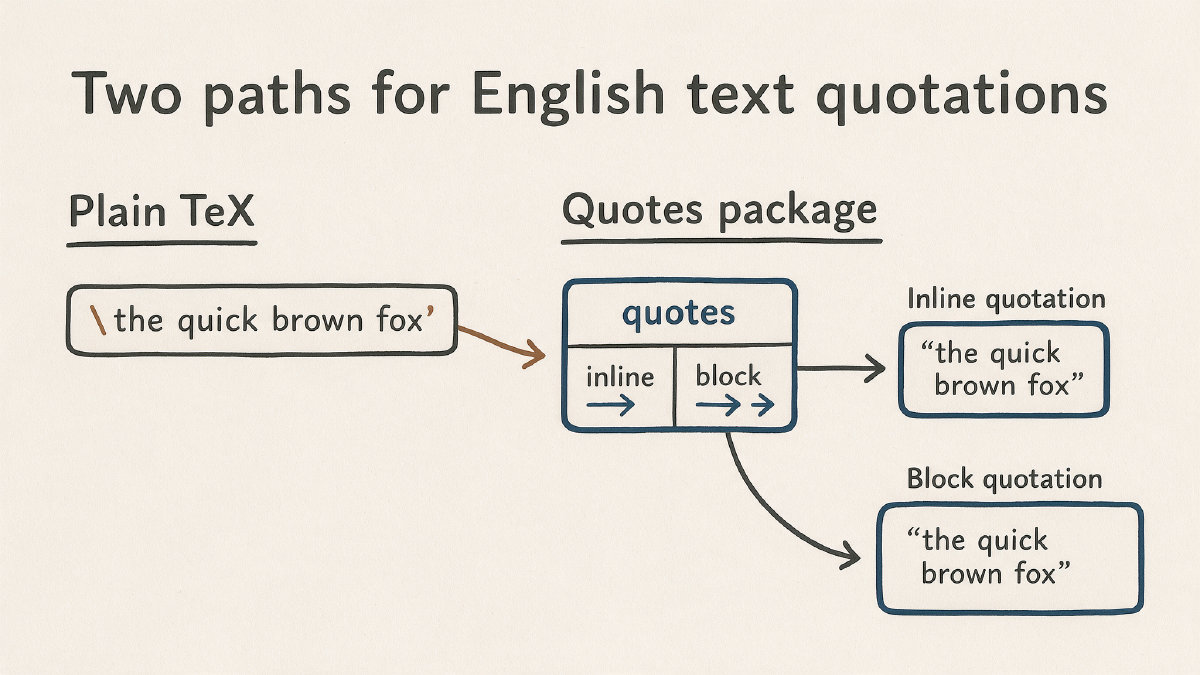
The bottom line: use backticks and apostrophes for simple English text, reach for dirtytalk when quoting repeated quoted speech, and save csquotes for multilingual or more structurally complex examples.