
In the previous article, we looked at how you can create an unnumbered section. Here, I’ll show you how to create and reference a subsection within a LaTeX document.
Create a subsection in LaTeX
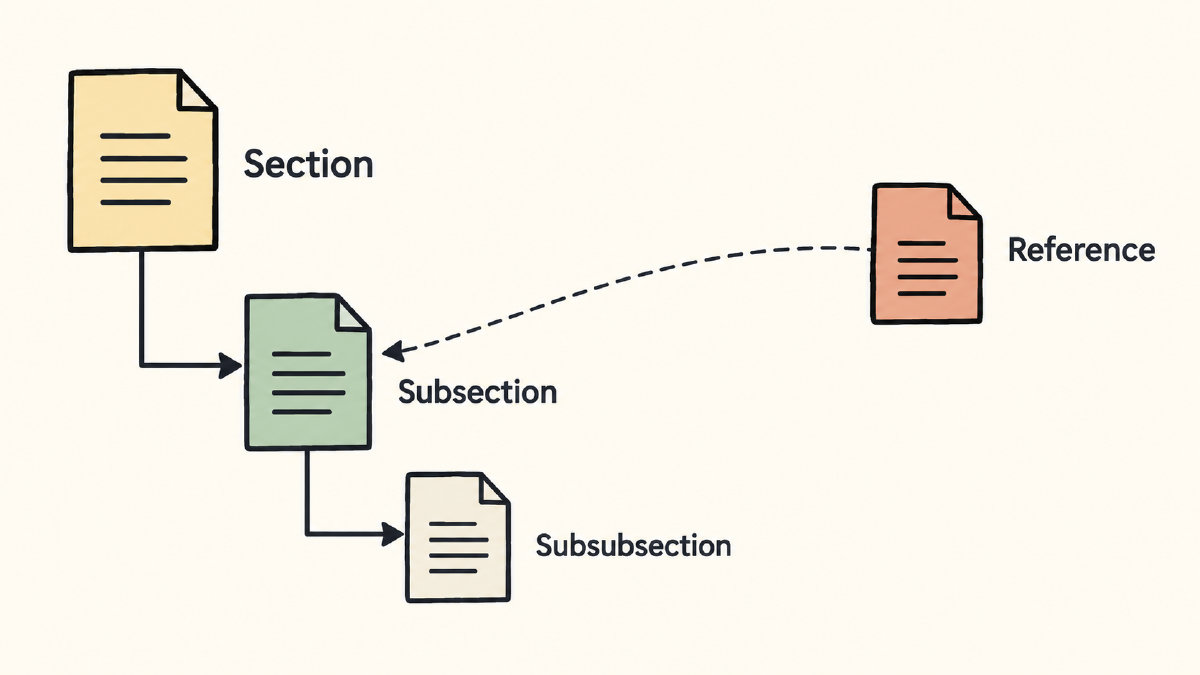
Headings in LaTeX are hierarchical. The broader organization commands depend on the document class used. In this case, the default is level 1: \section; level 2: \subsection; level 3: \subsubsection. Let’s start with the following example:
\documentclass{article}
\begin{document}

\section{Research}

\subsection{Methods}

\end{document}
You can compile this locally (e.g., using pdflatex) or using an online editor such as Overleaf. Note that the \section command defines a heading at the section level. A heading for “Methods” follows beneath it, but it is defined at the subsection level.
Numbered and unnumbered headings in the table of contents
Ordinary headings are numbered, whereas starred headings are not. Automatic content inclusion also depends on whether the heading is starred or not. The following example shows an ordinary section-level heading followed by its unnumbered version, both of which include content in the table of contents.
\tableofcontents
The \tableofcontents command generates the contents. Ordinary numbered subsections are included automatically.
\section{Introduction}
\section*{Unnumbered Section}
\addcontentsline{toc}{section}{Unnumbered Section} For our purposes, I will adapt the section-level manual content entry to the subsection level. In the unnumbered case, we need to add the \addcontentsline command after the starred heading.
The section-level pattern is:
\addcontentsline{toc}{section}{Title of the section}
We’ll do the same for the subsection adaptation after the starred heading:
\addcontentsline{toc}{subsection}{Methods}
Automatic numeric cross-reference
The following example includes a number generated automatically by LaTeX. In this instance, it is a label immediately following the heading:
\subsection{Methods}\label{subsec:methods}
Here, the unique identifier is subsec:methods. The matching reference appears elsewhere in the document:
The methods section is described in more detail \ref{subsec:methods}.
Why does the heading generate a counter? Because it uses the generated counter instead of a manually typed number.
Compiling resolves the example
When the document is compiled, the example is resolved. This is because the online editor handles cross-references automatically. However, local compilation doesn’t. In the following example, I’ve compiled the file twice using my local LaTeX distribution:
latex main.tex
latex main.tex
Alternatively, I can use the latexmk tool to automate the required passes. The following command generates PDF output directly from main.tex, resolving all necessary dependencies automatically:
latexmk -pdf main.tex
main.tex → main.pdf