
How to Type LaTeX in Word
By imagetolatex team · Published
Word for Microsoft 365 can read LaTeX math directly. Press Alt+= to insert an equation, switch the input format to LaTeX in the Conversions group of the Equation tab, type or paste the LaTeX, then choose Convert > Professional (Ctrl+=). The result is a normal Word equation you can edit.
Type LaTeX in a Word equation
- Step 1: Insert an equationPress Alt+= (Windows) or Control+= (Mac), or choose Insert > Equation.
- Step 2: Switch the input to LaTeXOn the Equation tab, in the Conversions group, choose LaTeX instead of UnicodeMath.
- Step 3: Type or paste the LaTeXEnter the math only, without
$or$$around it, for example\frac{-b \pm \sqrt{b^2-4ac}}{2a}. - Step 4: Build it upChoose Convert > Professional or press Ctrl+=. Word renders the fraction, root and scripts as a formatted equation.
What Word's LaTeX mode does not accept
Word supports most common LaTeX math keywords, but not all of LaTeX. The ones that trip people up most:
- Environments:
\begin{...}and\end{...}are not supported. A matrix is written\matrix{a & b \\ c & d}instead of\begin{matrix}. - Custom macros from your preamble (
\newcommand) are unknown to Word; expand them first. - Only Word has LaTeX input. PowerPoint, Excel and Outlook equations accept UnicodeMath only, according to Microsoft.
- The LaTeX option appears only in Word for Microsoft 365. Older perpetual versions (Word 2019 and earlier) do not have it.
If an equation uses environments such as aligned or cases, the free LaTeX equation editor renders it with MathJax and Copy for Word hands Word a finished equation, so you skip Word's LaTeX parser entirely.
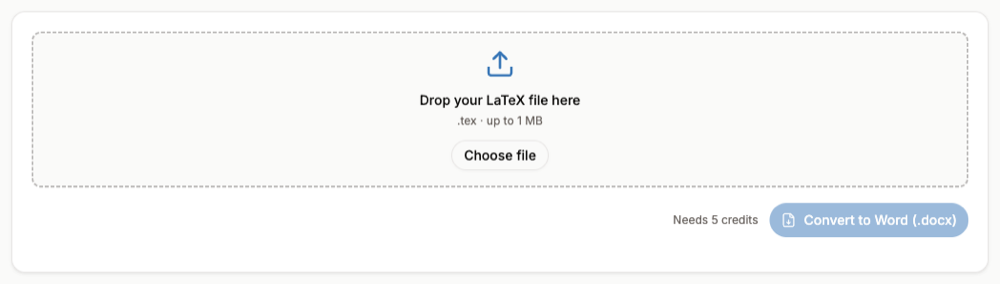
A whole .tex file into Word
Typing equations one by one makes sense for a few formulas. For a paper or thesis, convert the file: the LaTeX to Word converter turns the text and every equation into a Word document whose equations open in Word's equation editor. It needs a free account and uses credits; figures and bibliography are added in Word afterwards.
FAQ
- Does Word support LaTeX?
- Word for Microsoft 365 accepts LaTeX math inside equations once you switch the input format to LaTeX. It does not compile LaTeX documents.
- Why does my LaTeX stay as plain text after pasting?
- It was pasted into normal text, not into an equation, or the input is still UnicodeMath. Paste inside an equation box (Alt+=) with LaTeX selected, then convert to Professional.
- How do I write a matrix in Word's LaTeX mode?
- Use
\matrix{1 & 0 \\ 0 & 1}wrapped in brackets such as\left( ... \right).\begin{matrix}is not supported. - Can I get the LaTeX back out of a Word equation?
- Yes. With LaTeX selected in Conversions, choose Convert > Linear and Word shows the equation as LaTeX. See How to Convert a Word Equation to LaTeX.