
Word Equation Shortcuts
By imagetolatex team · Published
The main Word equation shortcut is Alt+= on Windows (Control+= on a Mac): it inserts an equation box at the cursor. Inside the box you can type math in linear form, such as a/b, x^2 or \alpha, and Word builds it up as you press Space. The table below lists the codes worth memorising.
Keyboard shortcuts
| Action | Windows | Mac |
|---|---|---|
| Insert a new equation | Alt+= | Control+= |
| Build up the equation (Professional) | Ctrl+= | Convert > Professional |
| Back to linear text | Ctrl+Shift+= | Convert > Linear |
| Leave the equation | → at the end, or click outside | Same |
Microsoft documents Ctrl+= and Ctrl+Shift+= for Windows. On a Mac, use the Convert menu on the Equation tab if the key combination does nothing.
Typing codes that build math
These work in the default UnicodeMath input. Type the code, then press Space (or a punctuation key) and Word converts it.
| Type | You get |
|---|---|
a/b | A stacked fraction a over b |
x^2, x_i | Superscript, subscript |
\sqrt(x) | Square root of x |
\alpha, \beta, \pi, \Delta | Greek letters (capitalise the name for uppercase) |
\sum, \int, \prod | Sum, integral and product signs |
\le, \ge, \ne, \approx | ≤, ≥, ≠, ≈ |
\infty, \pm, \times, \cdot | ∞, ±, ×, ⋅ |
\rightarrow, \Rightarrow | →, ⇒ |
\circ | The degree ring ∘ |
To see or add codes, open File > Options > Proofing > AutoCorrect Options > Math AutoCorrect. You can add your own entries there, for example \R for ℝ.
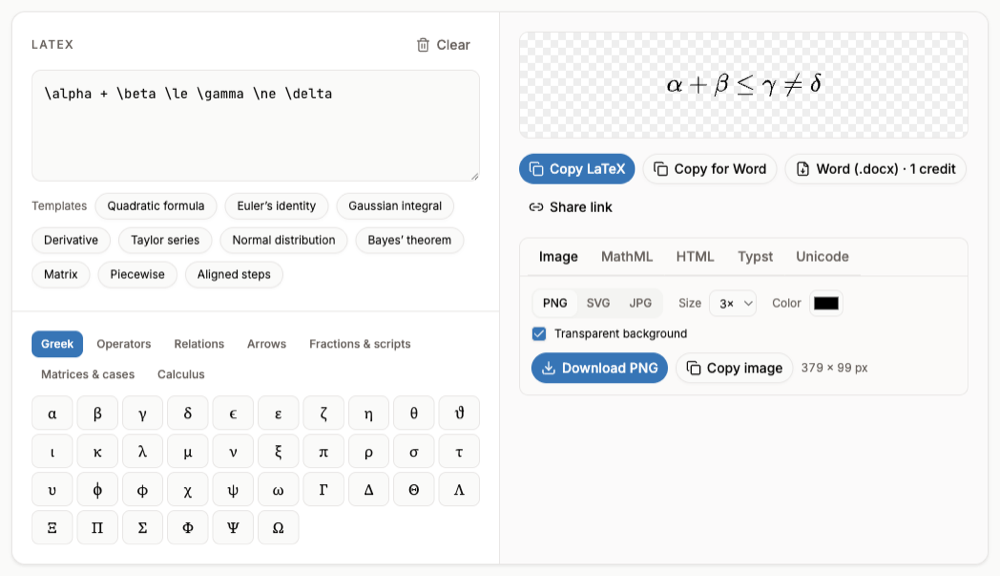
Prefer LaTeX codes?
The codes above are close to LaTeX but not identical (for example \sqrt(x) versus LaTeX \sqrt{x}). In Word for Microsoft 365 you can switch the input to LaTeX and type real LaTeX; see How to Type LaTeX in Word.
FAQ
- What is the shortcut for an equation in Word?
- Alt+= on Windows and Control+= on a Mac insert a new equation at the cursor.
- How do I type a fraction quickly?
- Inside an equation type
a/band press Space; Word stacks it. Use parentheses for longer parts:(a+b)/(c+d). - Why do my codes stay as text?
- They only convert inside an equation box and after a space or punctuation key. Check that Math AutoCorrect is on in the Equation Options.
- Do these shortcuts work in PowerPoint and Outlook?
- Yes, the equation box and UnicodeMath codes work in the Office desktop apps that have equations. LaTeX input is Word only.