
Google Lens Handwriting to Text
By imagetolatex team · Published
Google Lens can read handwriting from your phone camera. Open Lens in the Google app, point it at the notes, switch to Text, select the words and tap Copy text or Copy to computer. It is quick for short, neat notes; formulas lose their structure, so notes with math need a converter that keeps the math as LaTeX.
Copy handwriting with Google Lens
- Step 1: Open LensOn iPhone, open the Google app and tap the Lens icon in the search bar. On Android, open Lens from the Google app or the search bar on the home screen.
- Step 2: Point at the notesFrame the page in good light and tap the shutter, or pick a photo you already took.
- Step 3: Choose TextSwitch to the Text option so Lens highlights the words it recognized.
- Step 4: CopySelect the text and tap Copy text. With the same Google account signed in to Chrome on your computer, Copy to computer sends it to that computer's clipboard.
Where Lens falls short
- Formulas come out as a line of characters: fractions, exponents and roots lose their structure.
- Long pages mean selecting and copying chunk by chunk.
- Line breaks and lists often need fixing after pasting.
Notes with formulas
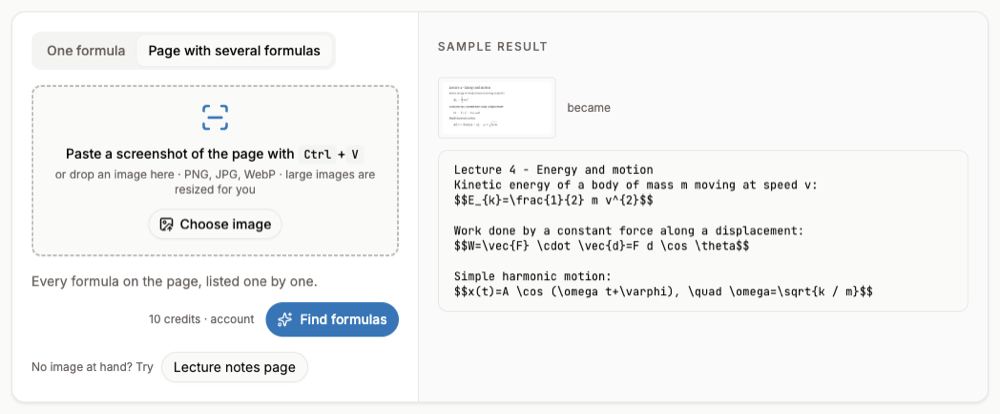
Upload a photo of the page to handwriting to text on your computer: sentences come back as text and formulas as LaTeX, and you can copy or download the result. Reading a page needs a free account and credits. For a single handwritten equation, Handwritten Math to LaTeX is the faster route.
FAQ
- Can Google Lens read cursive?
- Often, if it is neat. Results vary with handwriting; check the copied text.
- Is Google Lens free?
- Yes, it is part of the Google app and Google Photos.
- Why does Copy to computer not show my PC?
- The computer must be signed in to Chrome with the same Google account as your phone.
- What about handwritten equations?
- Lens reads them as plain characters. A math converter returns LaTeX with a preview so you can check the structure.